
Does Your Film or Theatre Website Need a Contact Form?
So you're building your own website or about to start 🙌 and you’re thinking about your contact page.
You have a look at other websites in your industry for ideas, those of other creative freelancers and companies—and you notice that some of them are rocking a slick contact form.
Leading you to wonder, is having a contact form on your website necessary? Will you miss out on job offers and enquiries without one?

I’ve been thinking about contact forms lately.
For six years, I worked for a guild in the screen industry, here in Aotearoa New Zealand. Part of my job involved looking after our website. Fun fact! That’s where my interest in web design began.
Our contact page had our administrative email address, our office phone number, and a contact form that was connected to our general inbox, which I managed. The idea was to give visitors options for contacting us.
But one day, our contact form suddenly started getting attacked by spambots! Every day, the form (and my inbox) would be hit with spam emails. Relentlessly. It was such a nightmare!
I tested solutions—even involved our web developer—but all attempts failed to defend our inbox from these irritating spambots.
Eventually, I got fed up with the problem and decided to ditch the form completely. As a result, I experienced first-hand what difference a contact form makes.
I want to share with you what I discovered. But first, I think it’s important to mention a relevant part of the website-building process that for many creative professionals is often overlooked, left to the last minute, and harder to understand than the technical side of websites.
It’s the legal stuff.
As a Squarespace web designer/filmmaker who usually works with other creatives and artists, such as directors, professional associations, and actors, making sense of legal matters is hard for my brain.
And I get that it can be overwhelming and confusing for my clients too.
The reality is that owning a website has legal requirements. The big one is privacy and includes data collection and consent.
Yes, if you’re building your website with Squarespace 7.1, it is easier than ever to create a professional-looking/pretty contact form that matches the aesthetics of your site. You can even add some ✨fancy stuff✨ to your forms in Squarespace, like a submit button effect that adds a dash of interactive magic!
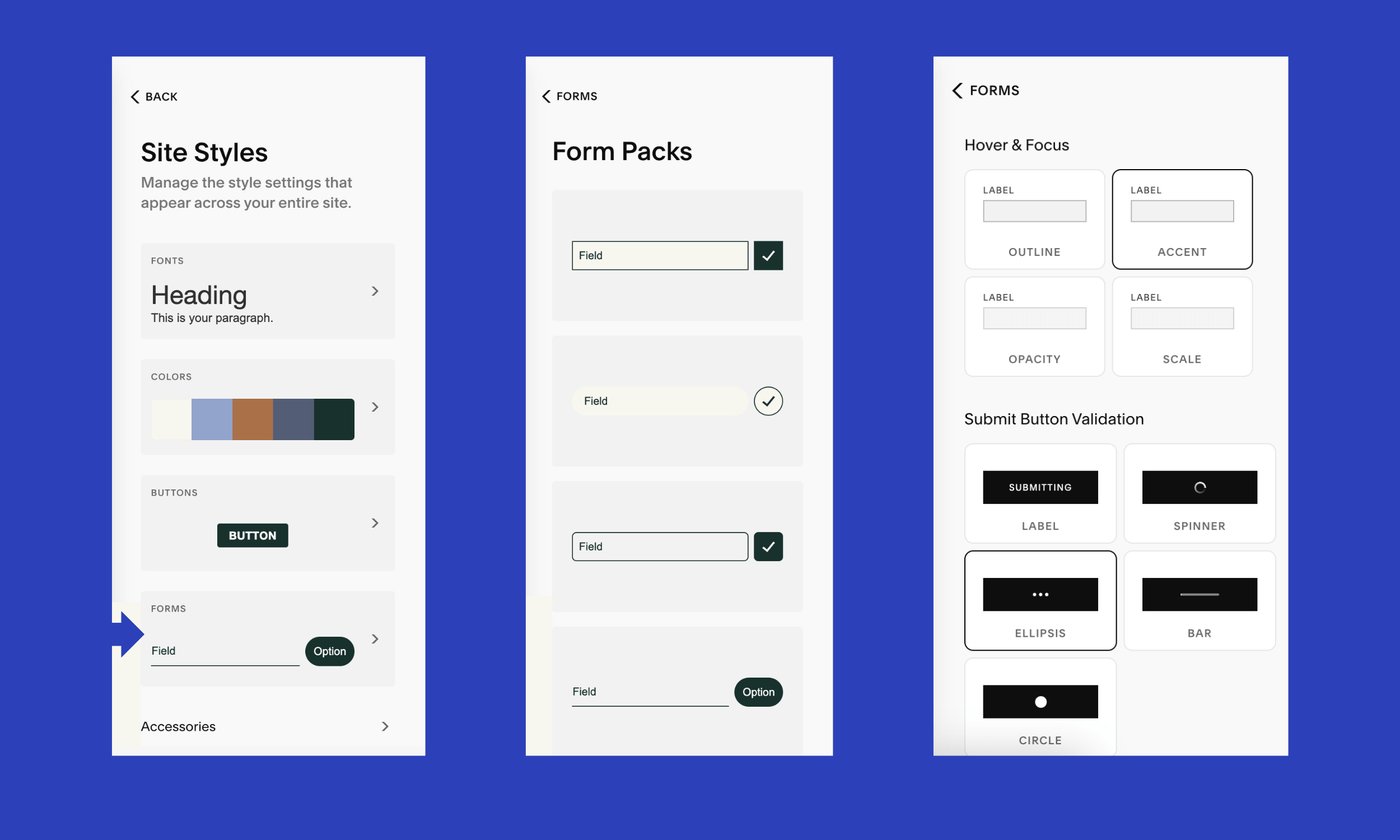
Under Site Styles, you can find several styling options for forms in Squarespace 7.1.
On the surface, a simple contact form seems harmless—you’re making it extra convenient for visitors to send you a message. They don’t even have to leave your site.
A simple contact form triggers an email to your inbox, and also collects the person’s name and email, so you can reply to them. Simple, right? But the thing is…
A contact form collects personal information. Which means you’re required by many laws around the world to have a privacy policy for your website.
Under the New Zealand Privacy Act 2020, each piece of information you collect must serve a particular purpose that’s related to a function of your business. Privacy policies are mandatory and business are held accountable for data security.
In addition, depending on where you live and what laws apply to you, there are other specifics you’ll need to be aware of and comply with. For instance, under the GDPR, your contact form should have a consent checkbox with a link to your privacy policy. Site privacy is a whole can of worms 🥫🪱 and that’s a topic for another day!
In short, if you have less legal obligations to comply with, that’s one less thing for you to worry about when creating and updating your website!
So, minimise the amount of data you collect. Avoid requesting unnecessary data that exceeds your requirements.
If you don’t have a contact form, you don’t need to get into what your form requirements are, how are you going to handle data you collect, testing the form works, etc.
Do note, though, that your website may be collecting personal info via other means, like cookies 🍪. In which case, you will need a cookie policy or privacy policy, but you won’t be handling as much personal information that can identify a person!
But if you don’t have a contact form, what do you miss out on?
Because I’ve had first-hand experience taking down a contact form from a well-visited website, I can tell you what impact I observed on our inbox—none.
Nothing changed.
People still contacted us. We still got lots of emails. Dropping our form made no difference to the numbers whatsoever.
The good news is that research backs this up. One user survey, conducted by Birgitta Rún Sveinbjörnsdóttir, found that if a website displays both a contact form and an email address, most people would rather use the email address (67.3%). It’s a really neat, informative article that focuses on the user’s point-of-view, rather than what the company thinks is best. If you want to read it, head over here ↗.
So, my advice is, if you're a freelancer who's building a personal website or online portfolio, I wouldn’t bother with setting up a contact form. The work involved in making sure you’re complying with privacy laws and setting up the form to work reliably isn’t worth the effort.
For most freelancers and companies in the film, theatre and live performance industries, contact forms aren't necessary and won't result in more enquiries.
Displaying an email address, preferably not linked, and a phone number if you like to receive calls will be sufficient. Not hyper-linking your email address makes it less annoying for users who prefer to copy/paste your address into their preferred app/browser (I’m one of them 🙋♀️).
If you want a blueprint that covers everything else to include on your contact page and website, get our unbranded Squarespace template for free! Use it now, or save it for your next website refresh.
Simple contact forms aside, when might a contact form be worthwhile?
Definitely, there are scenarios where having a website contact form can outweigh the downsides. The primary one that I can think of is when creating a contact form or service request form improves your workflow.
In fact, on this website, we use a couple of forms designed for visitors to submit requests for our custom website service and Superpixel, my designer-for-a-day service.
This allows me to find out some essential details about the interested client’s project, reducing back-and-forth emails between two busy parties. So good for both myself and my clients.
In this situation, we have a tailored contact form connected to a specific service offering. But if you visit our contact page, we don’t have a general enquires form.
This is how I’d approach contact forms. All the best with your website project!
TL;DR
Your film or theatre website doesn't need a contact form, unless it improves your workflow.



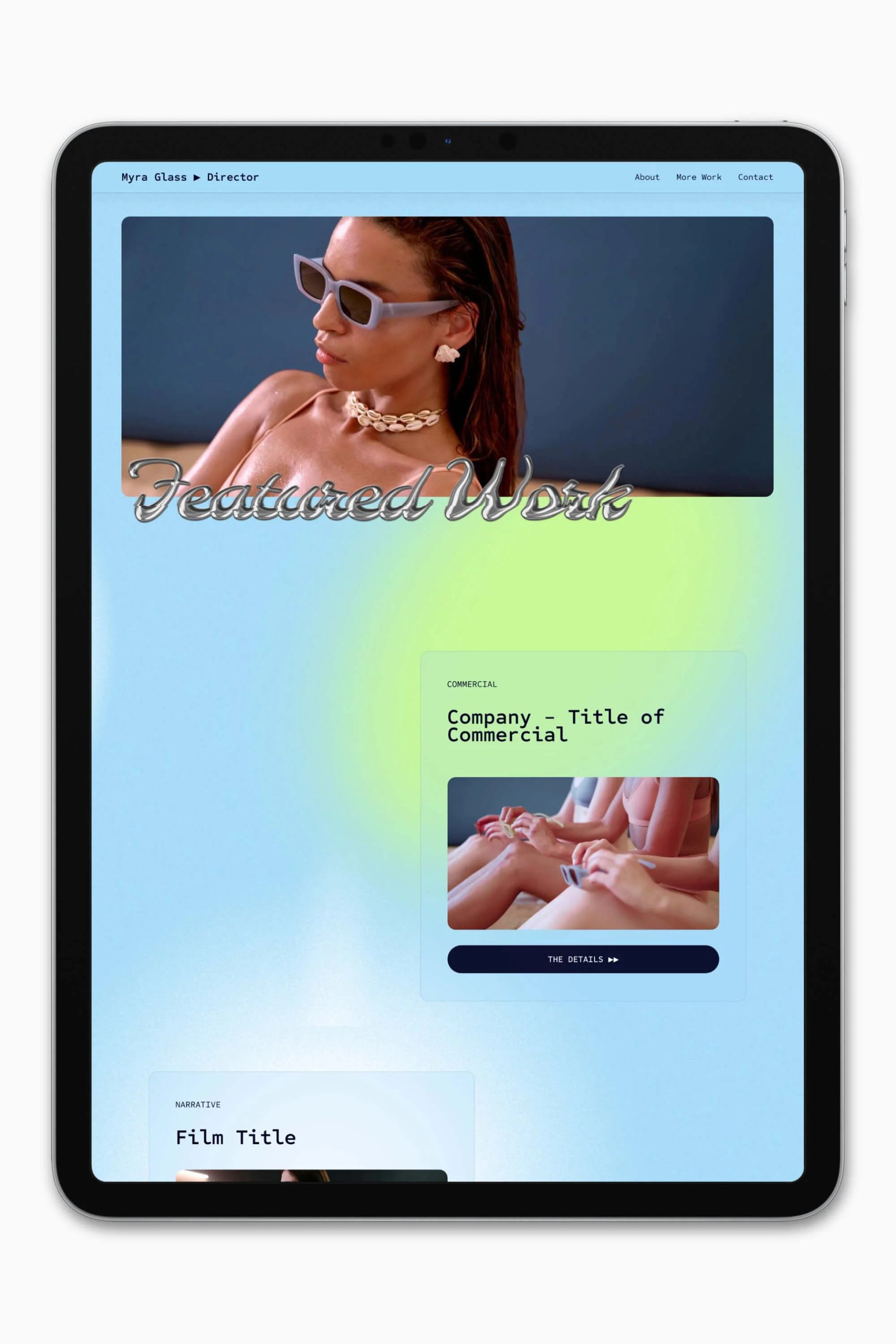


Slate is a website template featuring a bold-minimalist and cinematic design that feels warm and confident. Like the perfect cuppa coffee when you’re on set, use this Squarespace template to give your website and personal brand a boost.
Visit Demo Site
(demo password: Unlock)
Price in NZD • Xe Currency Converter