
How to Pick the Best Squarespace Premium Template for Your Film/Theatre Website

I explained in a past post the benefits of Squarespace premium templates, especially for freelancers and companies in the film and theatre industries. Premium templates best suit people who want to plug in their own content while making minimal edits to the template. It’s a similar approach to hiring a web designer to redesign your website, but at a fraction of the cost. Why undo your designer’s hard work, right? 😅
A lot of Squarespace premium templates are non-refundable because of their digital nature. So, how can freelancers and companies in film and theatre ensure they're buying the best template to present their creative work?
The first ‘step’ to selecting a premium Squarespace template is to decide if it’s a good match for your brand
In other words, do you love the look and feel, aka style, of the template?
This step is pretty straightforward and probably something you’re already doing automatically. Narrow down your options to templates that vibe with your personal brand (if you’re a freelancer) or your company’s brand identity.
In the Squarespace premium template market, I’ve yet to find a template that doesn’t have a demo site. When looking at the demo template, are you drawn to the kinds of fonts, colours, and imagery being used? E.g. is the overall effect big and bold, quirky and nostalgic, or do the visual elements elicit together a feeling of modern elegance?
Also consider what style of photography does the demo site use — e.g. are the images mostly black and white, contemporary and colourful, or inspired by the current retro trend ↗?
Keep in mind that colours, fonts, images and video are mostly responsible for setting the vibe of a website.
Images and video content is easy to swap out, and colours are simple to change.
Fonts, on the flip side, are harder to customise, mainly because it’s challenging to find and choose the right typeface. I look for typefaces that express the right emotion, tone, and personality, whilst being easy to read off a screen. Finding the perfect one to fit a client can be time-consuming.
Therefore, I recommend paying extra attention to the heading and paragraph fonts of a premium template, as you’ll save a lot of time if you don’t need to touch them.
The second ‘step’ is to examine the premium template more closely🔎 to see if it fits your specific needs
Once you’ve singled out a premium template or a few that you like, it’s time to inspect the demo site more closely. Your aim is to use this information to weigh up how closely the template meets your individual needs.
Firstly, have a close look at the template’s structure. Designers will typically design the structure of a template with a business type in mind. So, it’s helpful for you to identify this.
Structure — While it’s not mandatory that you buy a template that matches the type of website that you’re developing, a match makes the most sense and reduces how much editing you’ll need to do.
Different types of websites will contain different pages and page layouts. So be sure to look at whether the template you’re interested in has most of the pages you require.
The most common types of websites suitable for the screen and theatre industry are:
The personal portfolio website
overall purpose: to promote yourself through past work
common pages: Work/Portfolio (may be divided into categories), Project sub-pages
The company website
similar to a personal portfolio, but calls-to-action typically focus on promoting film/TV releases or theatre shows, etc
common pages: Productions, Project sub-pages, News
The service (provider) website
overall purpose: to promote info about your services and capture leads
common pages: Services, Work, Blog
The membership website
overall purpose: to provide information and services to members
common pages: Services, Resources, News, Membership, Member Login
Strategy — Study the site design to work out if it provides you with a strategic leg up. A premium template can boost your business if you don’t know much about strategic web design.
Effective web design guides site visitors towards completing a particular goal, like purchasing tickets to that show your theatre company has poured their heart and soul into! Well-placed and well-written calls-to-action (CTAs), commonly in the form of buttons and links, take into account a particular audience and should encourage them to journey towards a site goal.
With that in mind, does the audience of this Squarespace template have an affinity with your audience? For instance, a strategically-designed template for a business coach probably isn’t going to fit the needs of a film production company.
Also think about what click path the demo template encourages you, as a visitor, to take. Buttons and other CTAs should be hard to miss, prompting visitors to respond immediately.
Buttons will often contain clues about the template’s site goals, e.g. “View Work”, “Buy Tickets”, “View Our Services”. Does the template guide users towards specific actions, and can you apply these or stretch them a bit to suit your site goals?
Page Layouts — Can you imagine your content fitting into the template without significantly altering its layout?
You should do this page by page, as you’ll have to do this eventually if you end up buying the premium template. Start with the home page because that’s most likely the first place your site visitors will land, and first impressions count.
Essentially, your chosen premium template should act as your content blueprint. The template recommends to you where your content — text, images, videos — should go and roughly the size/length your content should be.
Note that text is a key design element too. The length, especially of paragraphs, plays into the overall balance of the design. If your text is much longer or shorter than the demo text, it might tip the visual balance.
In Squarespace, a page usually consists of more than one section ↗. Changing the order of sections is quick and easy and shouldn’t mess up the design, but altering the layout of a section can. So pay most attention to the layout within sections.
Nailing the visual balance between all the various elements of a page section is one of the challenges of designing a website — something the template designer has probably spent a lot of time crafting to reach.
If design is not your forte, it’s wise to avoid shifting elements around and risk upsetting the visual balance.
Wrapping up
To pick a premium Squarespace template, first decide if the look and feel of the template fits your brand.
The second test is to scope out the premium template’s structure, strategy and page layouts — do they match your needs and provide a suitable blueprint for your content and website goals? This second ‘step’, while a lot to weigh up, is crucial if you want to create your website in less time.
SHOP TEMPLATES


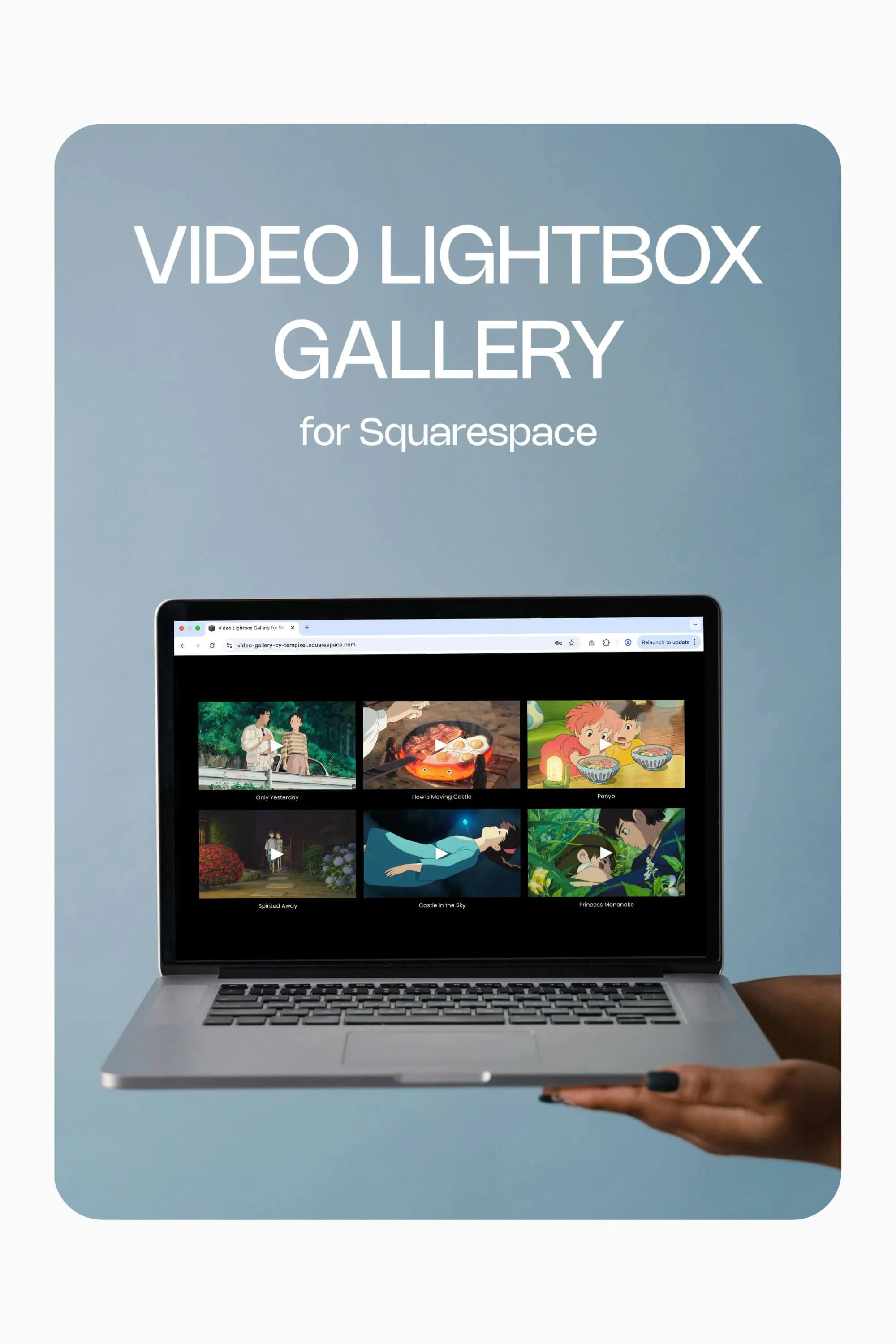
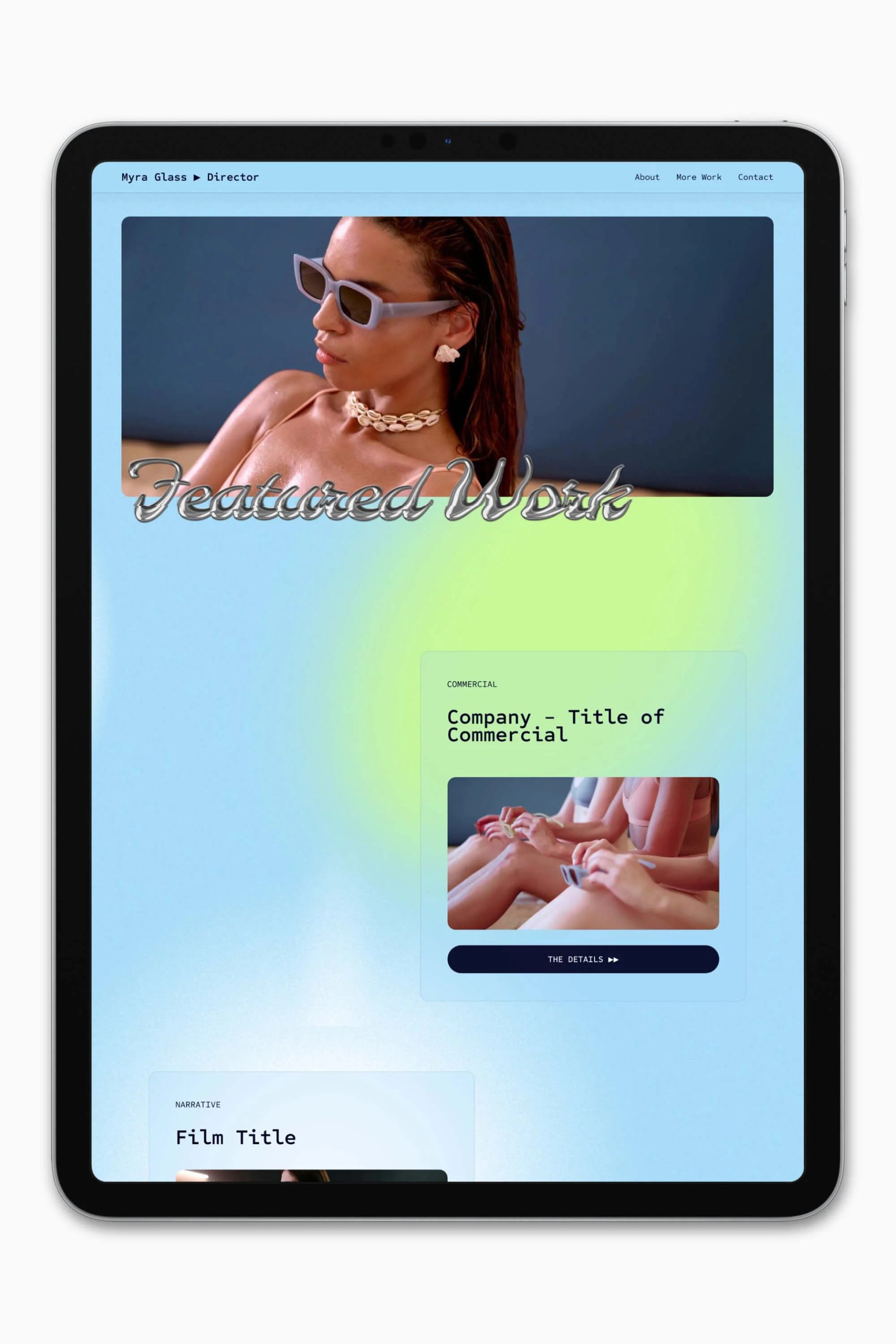


Slate is a website template featuring a bold-minimalist and cinematic design that feels warm and confident. Like the perfect cuppa coffee when you’re on set, use this Squarespace template to give your website and personal brand a boost.
Visit Demo Site
(demo password: Unlock)
Price in NZD • Xe Currency Converter