
How to add round corners to videos in Squarespace
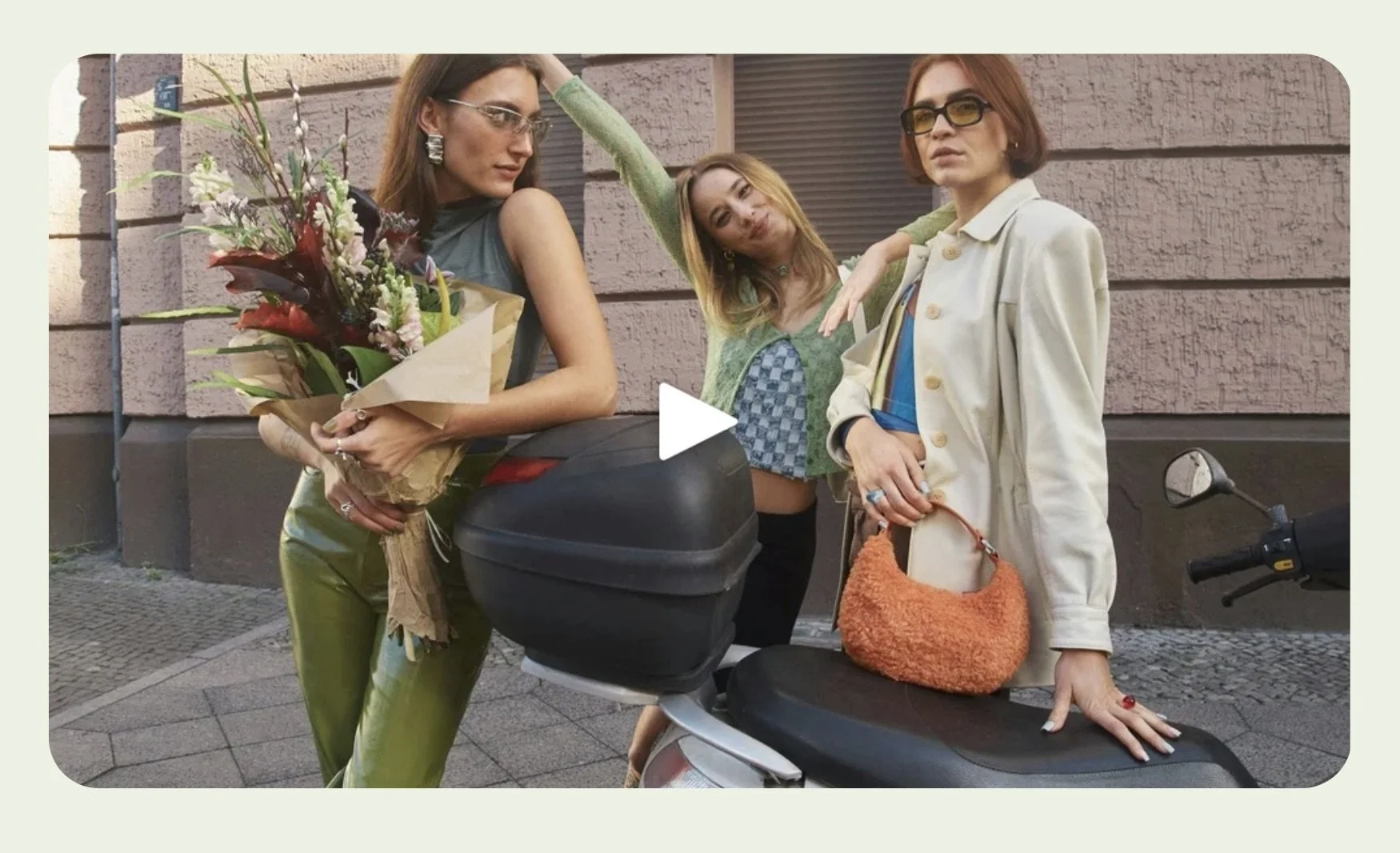
Round corners in user interfaces (UI) have been popular for many years now, and I love them. While I’ve been able to round image corners through native settings or CSS, no problem, rounding video corners in Squarespace 7.1 has evaded me. Until now.
While developing a new website template this month, I worked out how to add round corners to videos 🎉. Thanks to knowledge shared by other Squarespace pros online, I’ve discovered what works.
This is a CSS solution. All you need to do is 1) copy and paste the following codes into your Custom CSS panel and 2) adjust the border-radius value to your liking.
CSS for adding round corners to videos uploaded to Squarespace 7.1
When rounding corners for video uploads, we need to round both the video player and the custom featured image. So the below code addresses both of those elements.
I highly recommend that you don’t skip uploading a custom featured image. If you choose to skip it, you’ll end up with a height mismatch between the video and the featured image that Squarespace automatically selects for it, like in this example:
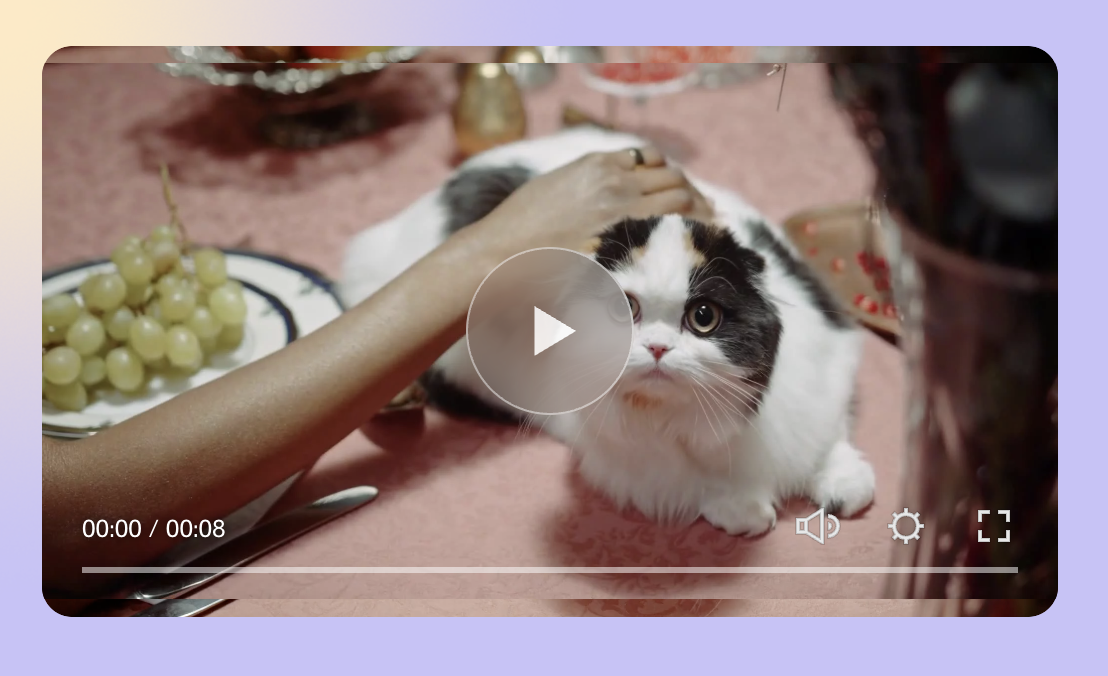
With a custom featured image, this problem goes away. I’ve found this mismatch only happens with videos uploaded to Squarespace—not for Vimeo/YouTube videos.
/* Round corners for videos uploaded to SQSP */
.video-player .plyr video {
object-fit: cover!important;
border-radius: 15px !important; /* adjust to taste */
}
.video-player .plyr .plyr__controls:before {display:none;}
/* Round custom featured image corners for vids uploaded to SQSP */
.video-player .plyr__video-wrapper {
border-radius: 15px !important; /* adjust to taste */
}
CSS to add round corners to Vimeo/YouTube video blocks
Squarespace 7.1 video blocks use a different video player than the native Squarespace player.
Hence, you’ll need separate codes to target video blocks:
/* Round corners on Video Blocks (YouTube, Vimeo, etc.) */
.sqs-block-video iframe {
  border-radius: 15px; /* adjust to taste */
  overflow: hidden;
}

/* Round custom featured image corners for Video Blocks (YouTube, Vimeo, etc.) */
.sqs-block-video .sqs-video-wrapper {
  border-radius: 15px; /* adjust to taste */
  overflow: hidden;
}
Happy styling!


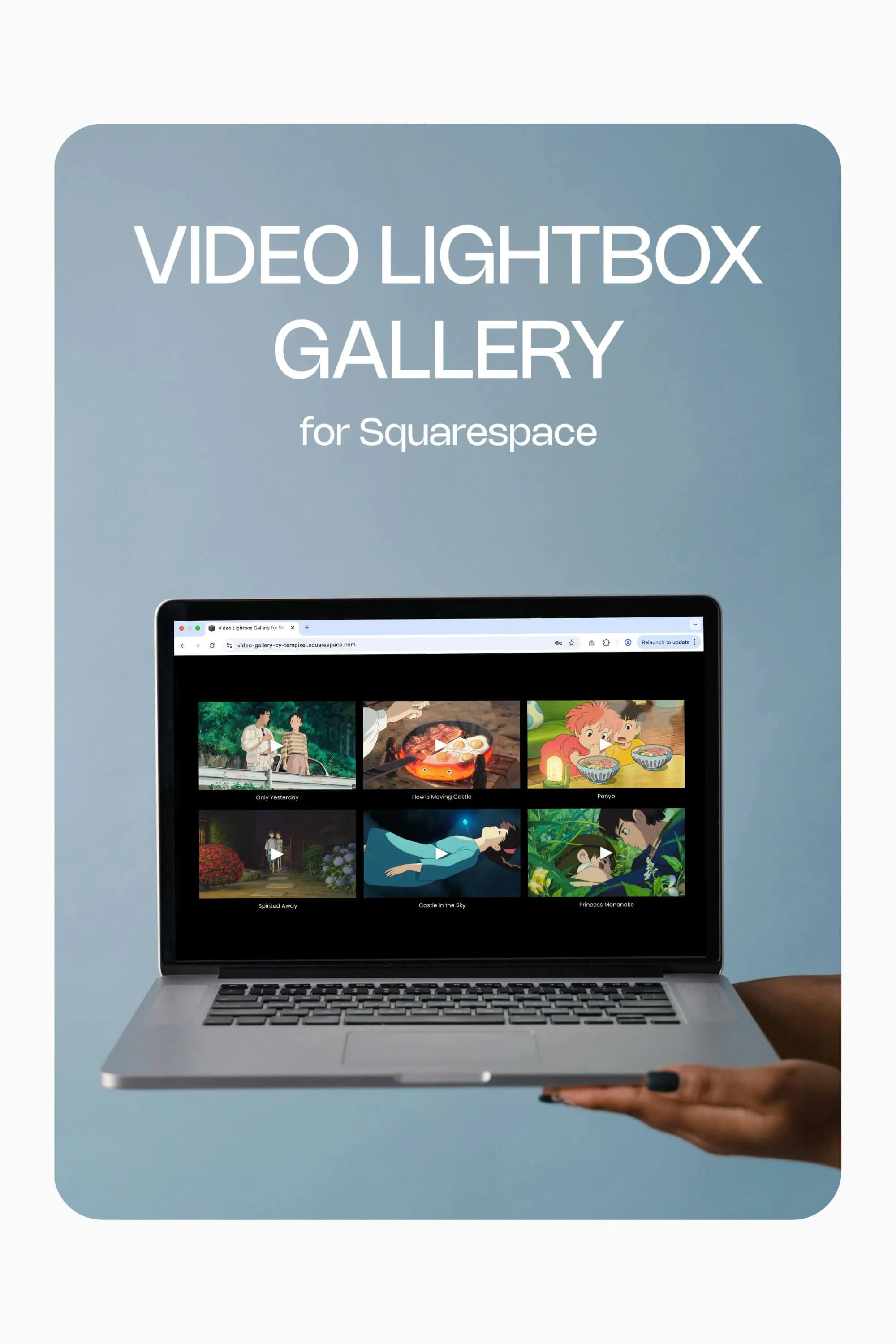
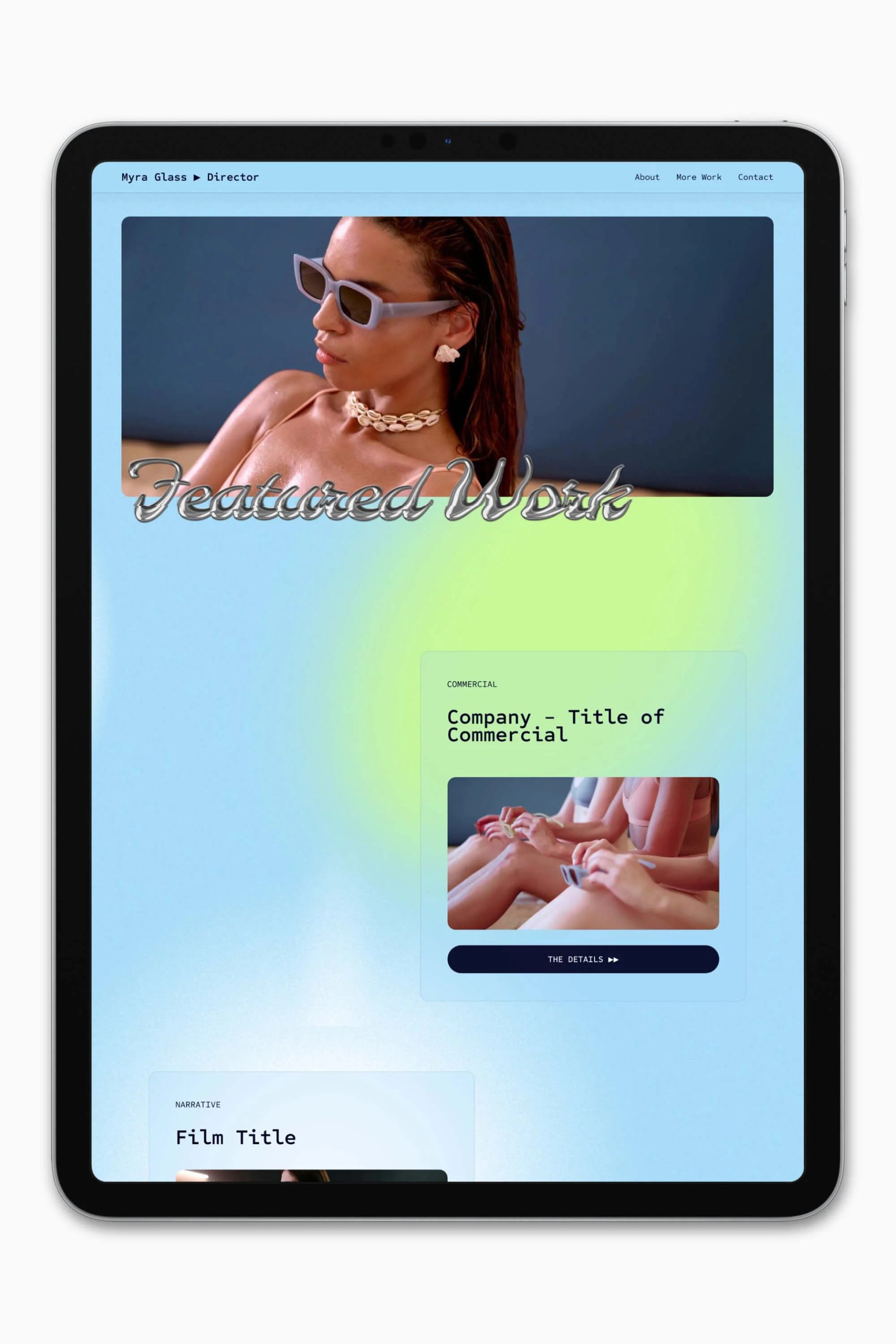


Slate is a website template featuring a bold-minimalist and cinematic design that feels warm and confident. Like the perfect cuppa coffee when you’re on set, use this Squarespace template to give your website and personal brand a boost.
Visit Demo Site
(demo password: Unlock)
Price in NZD • Xe Currency Converter