
Use Your Headshot to Fix this Common Website Mistake!
I bet you’re familiar with Squarespace’s default browser icon.
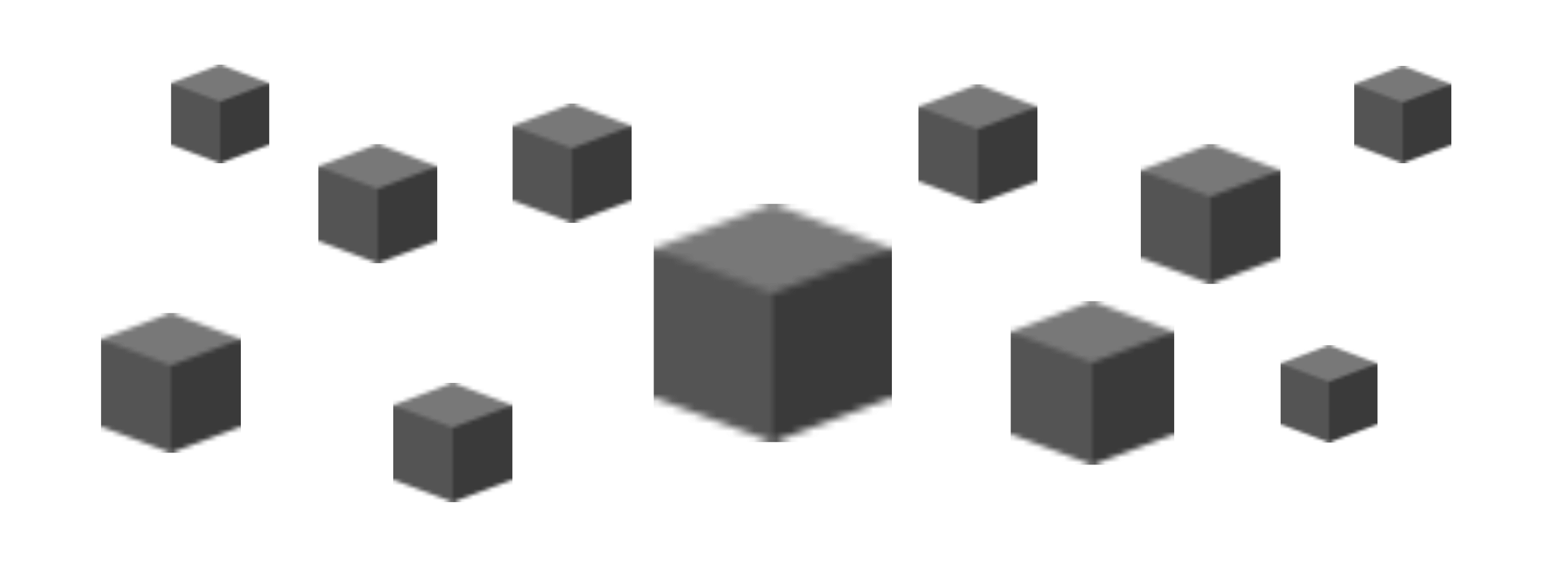
The faceless cube that screams I am not a web designer!
It’s become so ubiquitous online that failing to change your Squarespace favicon can really let down even the most professional, well-designed site.
During the past year, while researching acting coach websites, I was so surprised by the sheer proportion of Squarespace sites that hadn’t changed their favicon, compared with other site builders.
What a missed opportunity to grow their brand (instead of…well, Squarepace’s).
Let me show you how to use your headshot to fix this common website mistake. This is a legit option for freelancers and sole trader businesses, whether you’re an actor or entertainer, filmmaker, or acting coach. And no one will have the same icon as you.
Best of all, it’s super easy to do. So you’ll have no excuses for not updating your favicon sooner!
In this guide:
What's a Favicon?
If you take a moment to look up at your open browser tabs, you’ll notice how each website has its own identifying icon.
That icon is called a favicon—short for ‘favourite icon'—otherwise known as a browser icon. Microsoft was the first to use favicons in 1999, and they have since become a staple of the Internet.
Favicons are technically small, some as tiny as 16 × 16 pixels.
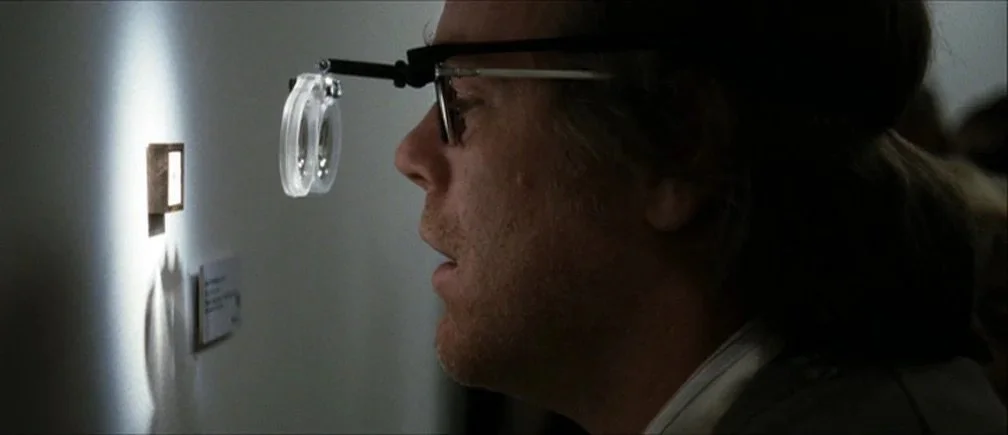
They always remind me of Catherine Keener in Synedoche, New York doing those tiny little paintings that people have to wear glasses to view!
Due to its small size, it’s important to keep the design of your favicon distinguishable at small scale.
Favicons are small yet mighty.
It’s the first, visual impression a person will have of your website when they discover you in search results.
They influence how fast we can find and remember a website when we have many tabs open! If you’re interested in learning more about the benefits of favicons, see this article ↗ by Icons8 and UXPlanet.
You'll often see favicons that are a logo, or a simplified version of a company's logo. See Google’s products for examples.
A popular option for creative freelancers is to design a monogram with your two initials. I also like to use symbols or glyphs that I’ve used in a website’s brand, as they sport a clean design that downscales well.
Sometimes you’ll see favicons that are square with rounded corners—or they might be on a circular or transparent background. Whatever graphic design you wish to use for your favourite icon, it needs to fit into a 1:1 aspect ratio.

What You Will Need
As for this tutorial, all you need is a photograph of yourself. A professional headshot would be a top choice. But at worst, a decent photo of you in natural lighting should suffice, since favicons are small and pixelated.
TIP: A plain background in a contrasting colour to your skin colour will generally work better than a busier background.
Here are some real-life examples of headshot favicons among performers and acting coaches in colour and black & white.
We'll also be using favicon.io’s free favicon generator on the internet.
🪄 How to Convert Your Headshot into a Favicon File
STEPS
Crop your photo on your computer into a tight close-up of your face that’s a 1:1 aspect ratio.
Upload your copped image by drag-and-drop or by clicking the converter to add your file.
Click Download.
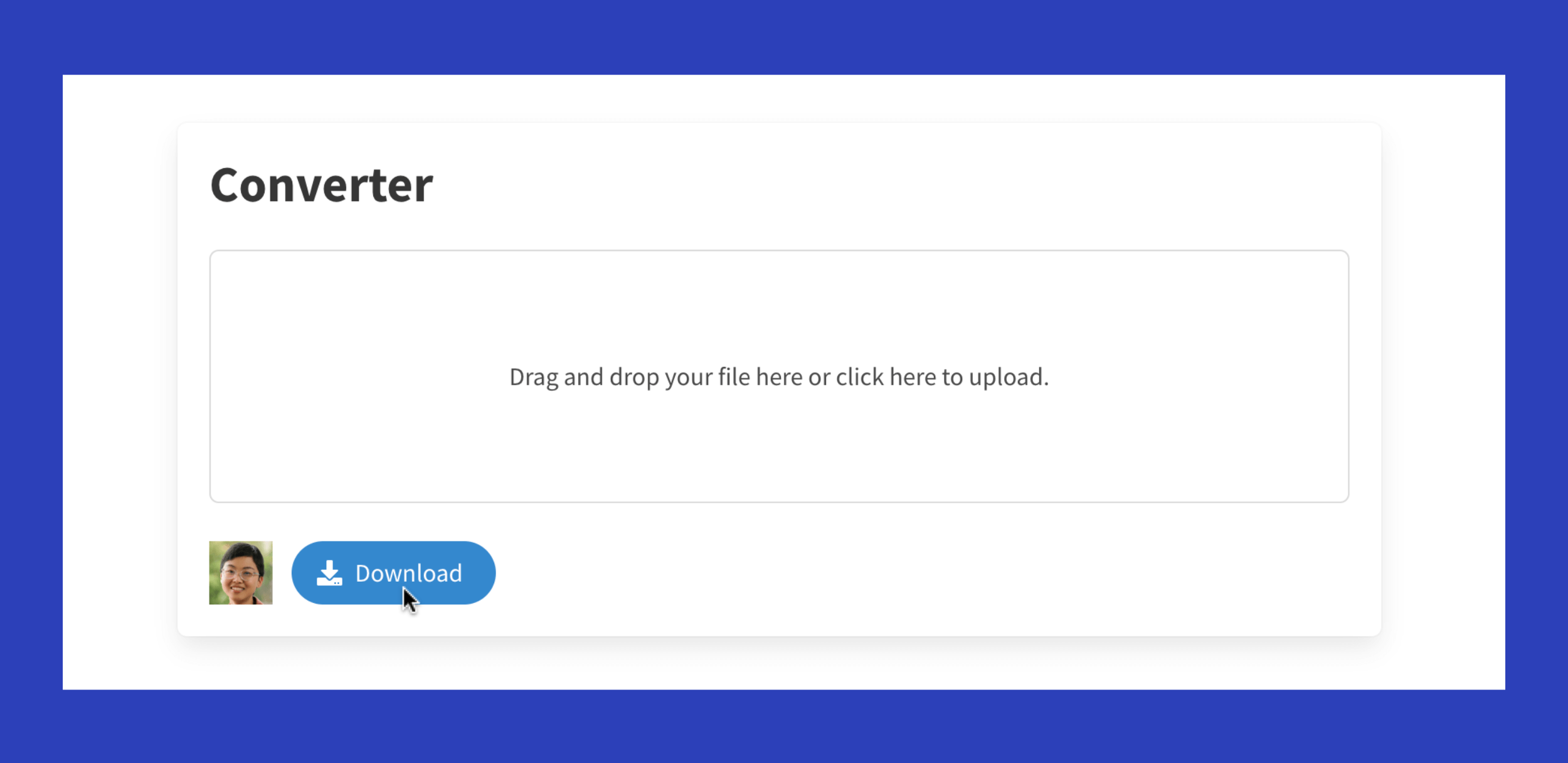
The free favicon generator should convert your photo almost instantly.
It’ll be delivered in a zipped file containing a range of different sizes and file types. The only file you will need is the android-chrome-192x192.png, as it’s the largest PNG that fits Squarespace’s parameters.
Favicon Requirements for Squarespace Sites
Image resolution
For best display across all browsers, Squarespace says your favicon resolution should be between 100 × 100 pixels (px) and 300 × 300px, though it will display at 16 × 16px.
File format
Squarespace recommends using a PNG file. They do not support uploading ICO files.
File size
Favicon image files can't exceed 100 KB.
Multi-version favicons
Squarespace doesn’t currently support multi-version favicons. They say:
To upload your favicon correctly, use a single version of the image and remove other versions from the file.
How to Upload Your Favicon in Squarespace 7.1 or 7.0
STEPS
I suggest compressing the size of your PNG file before uploading it, so it’s as light as can be on your site’s load time. You can use a free tool like tinypng.com ↗.
Go to Settings > Website > Favicon.
Upload the android-chrome-192x192.png.
Click the Save button.
You can now exit the popup window and refresh your page.
If your favicon doesn’t change, clear your browser cache and restart your browser.
You now have your own 100% you browser icon! 🙌
