
The Best Free Squarespace Template for Filmmakers
Beginning your film portfolio website with a template that poorly fits your needs can make building it more labour-intensive than it needs to be.
I wanted to find out which of Squarespace’s free 7.1 templates would best serve filmmakers including, but not limited to, writer/directors, editors, production designers and cinematographers, who have similar website needs.
After going through all 186 free Squarespace templates, at the time of writing this, I’ve picked four templates that I think would suit filmmaker portfolios best.
This post covers:
Are Squarespace templates good for filmmakers?
I will say, a lot of other listicles will throw around gushing adjectives, like, “X is a wonderful template.”
But I’m not here to convince you that Squarespace makes amazing free templates for filmmakers. In my opinion, they don’t.
Hang on. Is Squarespace a good site builder for filmmakers? 100% yes. Squarespace is one of the easiest to learn web platforms for any non-designer. That’s why I love it for my clients.
Squarespace has plenty of solid video and image features. But a lot of their 7.1 templates are geared towards other fields, like photography and content creators.
You can definitely still use a free Squarespace design as a starting point for your filmmaker website. Just know that when picking a template, you’re going to have to think a bit more creatively.
With that in mind, let’s delve into my first choice + three runners-up for the best free Squarespace templates for filmmakers.
My first choice: Rivoli
STRENGTHS
✔️ Built around a blog page, allowing you to categorise your work
✔️ Engaging homepage layout with summary blocks
✔️ Has sections for presenting both your work + yourself
✔️ Comes with most of the blocks needed to design a filmmaker portfolio
LIMITATIONS
✘ May be more confusing for Squarespace newcomers due to food blog content
A food and travel blog might seem like an odd choice for the best free Squarespace template for filmmakers. But let me explain my reasons.
Firstly, Rivoli is built around a blog page. In my experience as a web designer for film and theatre artists, a Squarespace blog page is usually my first choice for building a filmmaker portfolio.
Blog pages allow you to categorise your work, e.g. into films, commercials, etc, or drama, documentary, and so on. Meanwhile, Squarespace’s portfolio pages currently don’t have this functionality.
If you don’t like Rivoli’s blog layout, don’t worry. Squarespace has other blog layouts to choose from, including the Basic Grid Blog layout, popular among filmmakers.
The Basic Grid Blog and other blog layout options
Change the title of the blog to Work, hide the blog dates if you prefer, and voilà! The template comes with a subscriber paywall, but you can easily turn this off.
Secondly, Rivoli’s homepage layout comes pre-designed with summary blocks. While your projects will live in your blog, summary blocks helps you to automatically feature work on your homepage and highlight projects by category. Great if you have a larger portfolio.
I also really like how this template is designed to shine a light on not only your work, but you.
Yes, you. Think about it, we’re not only interested in movies, but in the creative talent behind them. So don’t be shy. The most successful portfolio sites also promote their makers. Your website is a marketing tool, so put it to good use.
For example, Rivoli includes a section on its homepage for you to add your photo and introduce yourself—a section I like to include in my templates. You can state who you are/what you do or write a short, welcome message.
Rivoli homepage intro section
A drawback of this template is that, if you are brand new to Squarespace, it may take you a bit longer to familiarise yourself with how summary blocks work.
But overall, Rivoli is the winner on my list because it comes with most of the blocks that I’d normally use to build a small to large portfolio for a filmmaker—a blog page, summary blocks, buttons, a bio on the homepage. You’re certainly not starting from scratch.
The 3 Runners-Up
#2 Cami
STRENGTHS
✔️ Comes with a blog page
✔️ Looks good straight out of the box
✔️ Comes with an About page + Contact page
LIMITATIONS
✘ Links need to be added to direct visitors from the homepage to project posts
Cami is another free Squarespace 7.1 template that comes equipped with a blog, which is why it narrowly beats out Radian for my #2. As I mentioned in my reasoning behind Rivoli, building your filmmaking portfolio with a blog page is in most cases your best choice.
Style-wise, Cami’s minimalist, asymmetrical layouts look nice right out of the box. Customise it with your own font and colour palette choices.
Cami’s layout allows you to feature a selection of your work on the homepage. I can easily imagine swapping out the homepage demo images. Or replacing the images with video blocks.
I would then set up the Blog page to house my complete portfolio. To improve navigation, I’d also link each of the featured projects on the homepage to its corresponding blog post.
In addition, the Cami template has an About page and a Contact page with an enquiry form. If I was using Cami, I would add a headshot to the About page and include my navigation links in the footer to make it faster for visitors to explore.
#3 Radian
STRENGTHS
✔️ Beautiful portfolio design for visual work
✔️ Easy site navigation
✔️ Many relevant sections for filmmakers
✔️ Project pages use Fluid Engine
LIMITATIONS
✘ Not built with a blog page
✘ Requires a bit more time to maintain
While Radian may be aimed at architecture firms, it makes a solid template for filmmakers. This 7.1 template features a beautiful portfolio design for putting your visual work front and centre.
Unlike the other free templates on this list, Radian is not built using a blog page or portfolio page. Instead, projects are constructed as regular pages, demonstrating that you don’t have to use a blog or portfolio.
I like how the project pages are designed with a carousel auto-list section to feature images—a great option for cinematographers. Regular pages leverage Squarespace’s Fluid Engine editor, so you’ll have more freedom when designing your project layouts, compared to the classic blog editor.
Another plus of this website template is how easy it is to navigate. The homepage uses both an auto-list section and an ‘Explore’ section for presenting a portfolio of work, with links to each project.
The auto-list section on Radian’s homepage.
Radian also comes with an About section (ensure to include your headshot here!), Client section (useful for commercial work) and an enquiry form. Prefer to have a separate About page or Contact page? Simply create a new page and move the template sections across using Saved Sections.
A trade-off is that Radian’s structure requires a little more time to maintain versus using a blog with summary blocks. You will need to update the homepage content and create a project page when adding work to your portfolio.
#4 Nevins
STRENGTHS
✔️ Has both a portfolio page + blog page to choose from
✔️ Best for filmmakers who want an unbranded starting point to inject their own personality
LIMITATIONS
✘ Boring style/aesthetic
This is the one website template in my selection that comes with both a portfolio page—titled ‘Work’—and a blog, giving you both to choose from. Nevins is a simple portfolio template that comes with a Contact page that serves as an about section as well.
Nevins portfolio page
Nevins has a superbly boring aesthetic that I’ve seen countless times among filmmaker websites. Not great if you want to make an impression.
Starting with this template will require you to inject your personal brand into it. Adding some colour and picking a cool font will go a long way.
On the flip side, Nevins may be a good fit for you if you’d prefer to begin your film portfolio with a clean slate and a structure already in place. My non-branded Squarespace templates work in the same way.
Should you pick a 7.1 template over a 7.0 template?
I recommend building your filmmaker portfolio on the latest version of Squarespace—released in 2020—using a 7.1 template.
7.1 templates are technically the same template, sharing all the same Squarespace features, and each is a different design starting point.
7.0 template families on the other hand each have their own set of style parameters and special features. This meant that you had to spend more time deciding on your template upfront.

How to select the best free Squarespace template for your film portfolio
Structure and layout are the most important deciding factors. Colours, fonts, and the number of video blocks it has are less critical when picking a Squarespace 7.1 template, as you can easily customise these.
Structure
Weigh up how closely the website template meets your individual needs. For filmmaker portfolios, you have the choice to build your portfolio using a blog page or a portfolio page.
I recommend a Squarespace blog page if you plan to share a small to large body of work, up to ~40 projects. This allows you to add categories/tags and a filter to your work. Check out my easy filter tutorial or dropdown filter tutorial on how to create one.
On the other hand, if you have a small body of work of up to ~15 projects, that doesn’t require categorisation/filtering, then you can choose between a blog or a portfolio page.
You should also look at whether the template you’re interested in has most of the pages you require, as this will save you time.
Layout
Assess the pre-designed layouts after you’ve looked at the template’s structure. Can you picture your content fitting into the layouts?
It doesn't have to be a perfect fit. A template that may not contain any videos but displays images well, can still work for film. It wouldn’t be hard to replace an image with a video.
Buying a Squarespace template designed specifically for filmmakers
If you still feel dissatisfied with Squarespace’s free templates, I design and sell filmmaker Squarespace templates.
As a web designer/filmmaker who works with artists in film and TV, my templates come with website features and layouts that filmmakers love.


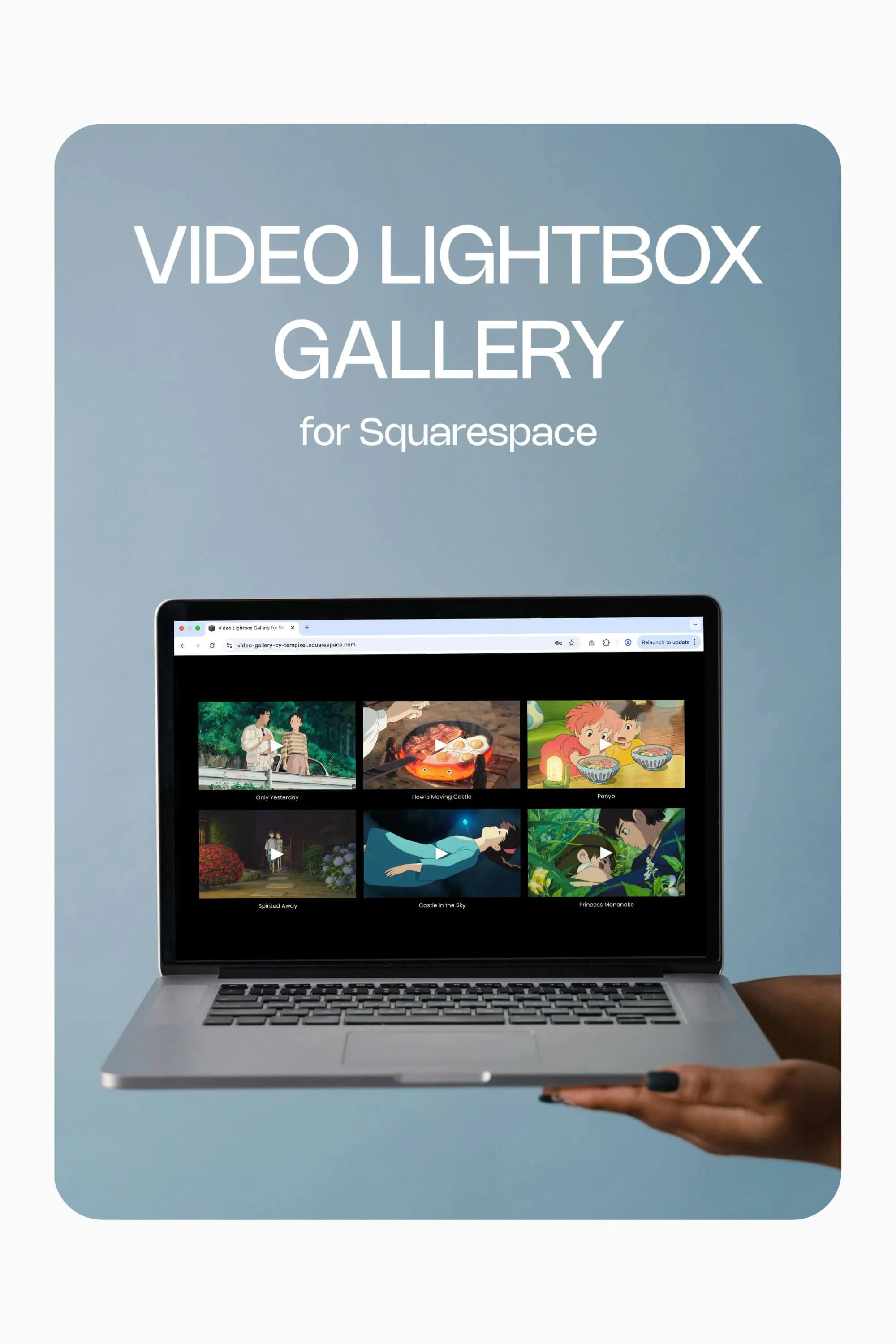
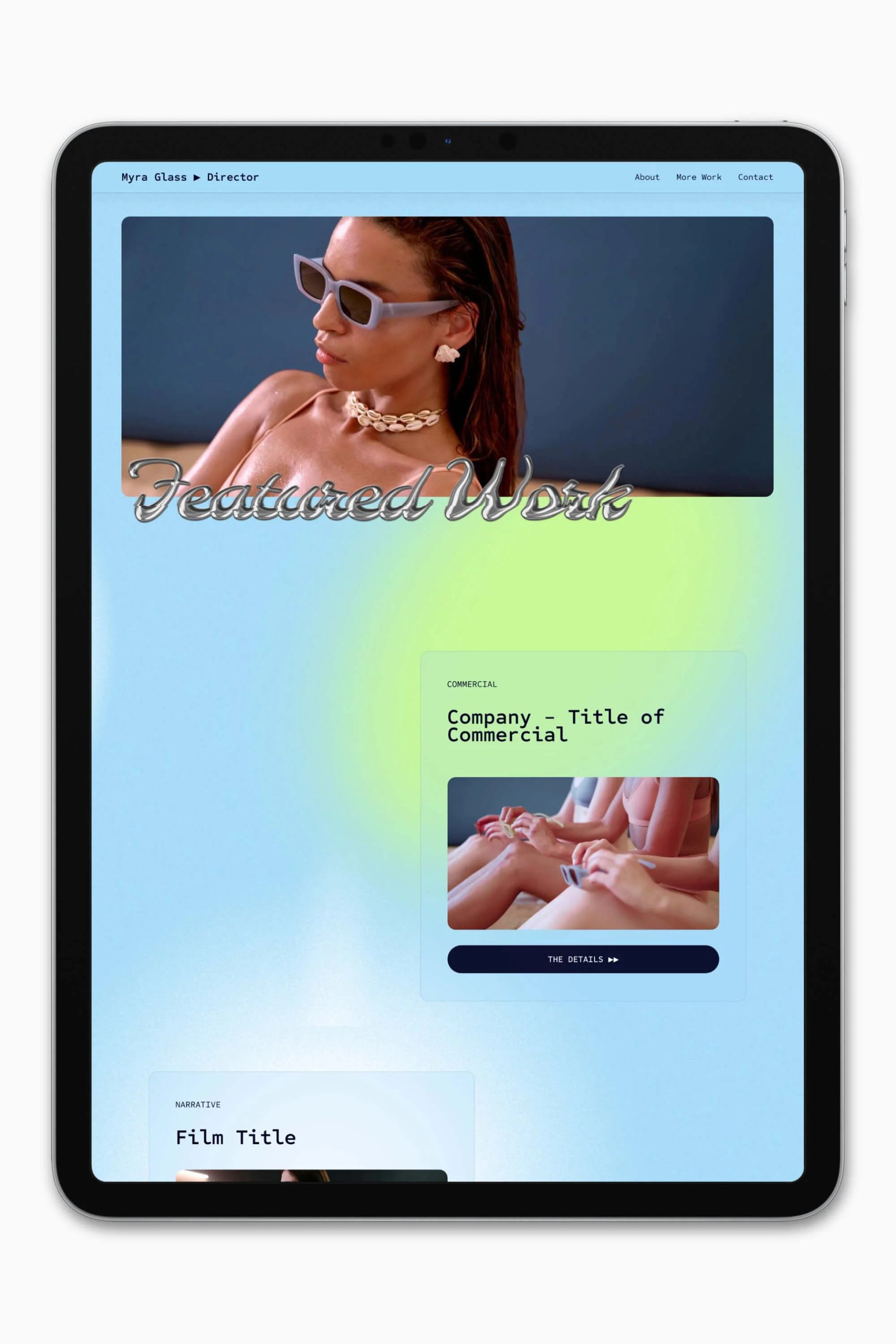



Slate is a website template featuring a bold-minimalist and cinematic design that feels warm and confident. Like the perfect cuppa coffee when you’re on set, use this Squarespace template to give your website and personal brand a boost.
Visit Demo Site
(demo password: Unlock)
Price in NZD • Xe Currency Converter